
Name-Based Case Searches
The free tool for name-based lookups is Wisconsin Circuit Court Access, or WCCA. No public account is needed. It covers open circuit-court case information across the state. Pick Chippewa County to keep same-name hits from other counties out of your list. A middle name, birth date, filing window, or case type can narrow things further. Only the public form's offered fields will do that, though.
- Accept the WCCA public-access terms and open Simple Search.
- Enter the last name, then the first name. Use the business-name route for an entity.
- Select Chippewa County before adding more filters.
- Compare case type, filing date, party role, branch, and caption.
- Open the case-number link and inspect both events and case history.
Common names pull in cases that have nothing to do with your search. The name alone is not enough. Compare the public fields, and confirm any time-sensitive result with the Clerk of Circuit Court.
| Field | Type | Required | Use |
|---|---|---|---|
| Last name | Text | One criterion overall | Starts an individual search |
| First / middle name | Text | No | Narrows similar names |
| Birth date | Date | No | Optional public filter |
| Business name | Text | Alternate | Searches entity parties |
| County | Dropdown | No | Choose Chippewa |
| Case number | Text | Alternate | Direct route to one case |
Chippewa County WCCA Search Controls
The Wisconsin case-search gateway splits its options in two. It offers Circuit Court Access on one side and Supreme Court and Court of Appeals Access on the other, so a searcher can see the divide before choosing a database.
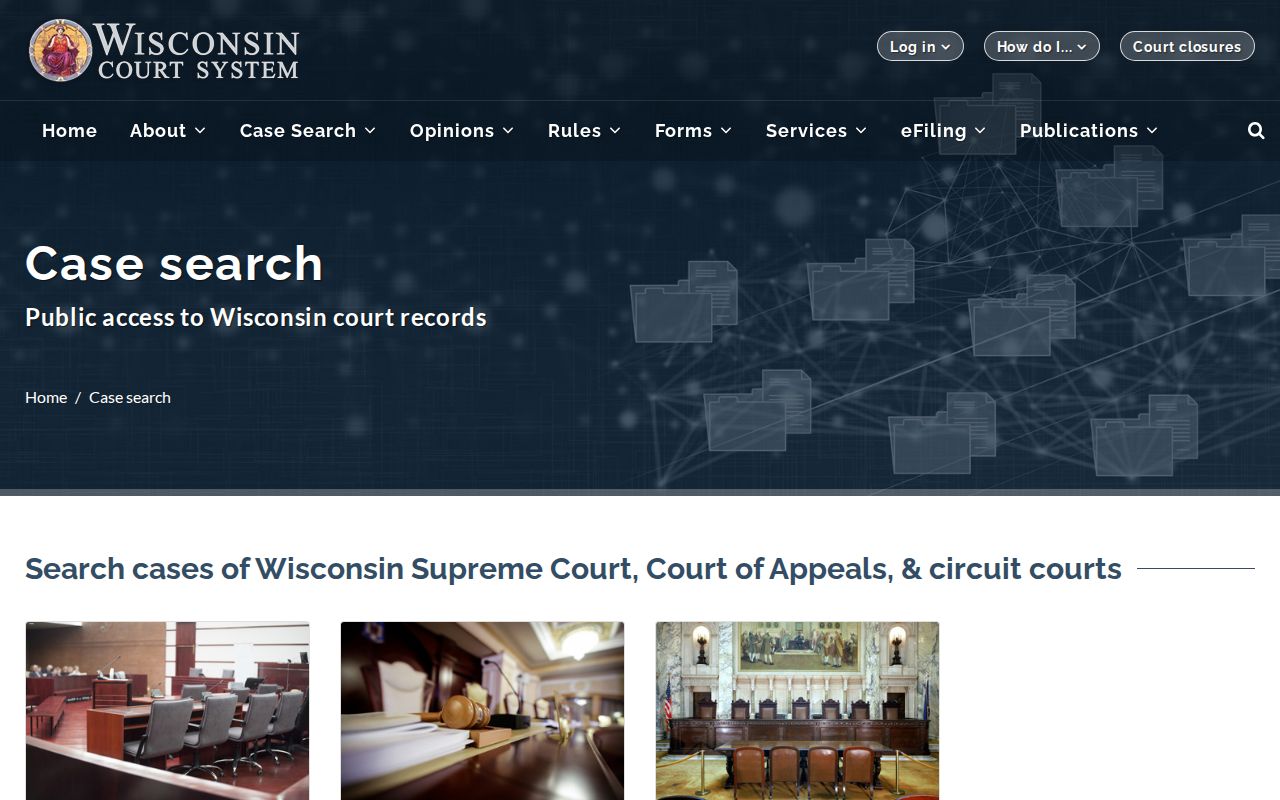
WCCA handles Chippewa County Circuit Court cases. WSCCA belongs to Court of Appeals and Supreme Court matters. After an appeal, one case can leave records in both systems. Yet the portals keep separate search screens and event histories.
Beyond the basic form, WCCA offers several search modes. They include Simple Search, Advanced Search, Judgment Search, reports, help, and reset controls. Advanced fields can cover case type, filing dates, citation data, issuing agency, and offense date. Live options shift over time. Enter the least data first, then narrow.
Case Number Searches
An exact Wisconsin case number is the cleanest route into a docket. It skips name ambiguity entirely. Most numbers pair a four-digit year, a two-letter case code, and a six-digit sequence. The format looks like 2016CV000226. Keep every leading zero when you type it. WCCA may tidy the display, but the full identifier is safest for a clerk request.
| Year | The four-digit filing year. |
|---|---|
| CF | Criminal felony. |
| CM | Criminal misdemeanor. |
| CT | Criminal traffic. |
| CV | Civil. |
| FA / SC / PR | Family, small claims, and probate families. |
| Sequence | The six-digit filing sequence assigned to that case family. |
The two-letter code marks only a broad case family. Wisconsin layers detailed classification numbers inside those families. Check the label on the actual record rather than guessing the claim or charge from a code alone.
Chippewa County Search Modes Compared
WCCA offers more than one door into the same public circuit-court data. Pick the mode that fits what you know. No case number? Search by party. A notice already names the file? Use the case number. Judgment Search is its own route and should not stand in for all docket activity.
| Mode | Best starting fact | Practical limit |
|---|---|---|
| Simple Search | Name, business, or case number | Broad names may return many cases |
| Advanced Search | Case type, date, or citation facts | Municipal matters may be absent |
| Judgment Search | Judgment-related criteria | Not a full substitute for case history |
| Clerk name search | Full name, birth date, years | Separate paid request process |
The county's criminal search form charges $5 per name and needs a date of birth. That fee pays for a clerk service, not for WCCA itself. It earns its keep when an older or hard-to-locate record needs staff digging.
Case Search Results Explained
A docket search result is a public summary of the case. It helps you identify the file. It also lets you follow recorded activity. It does not promise every pleading, exhibit, order image, or transcript. Those underlying court records must be requested from the proper custodian.
| Case header | Case number, filing date, type, county, branch, judge, and status. |
|---|---|
| Parties | Public party roles and attorneys where entered. |
| Case history | Chronological filings, hearings, orders, judgments, and dispositions. |
| Upcoming events | Future settings that still require a check for later changes. |
| Past events | Events recorded as having occurred. |
| Documents | Descriptions or links where access permits, not a complete public image store. |
| Disposition | The recorded outcome and date, with later financial or sentencing entries possible. |
To order the filed item behind an event, cite the case number and the document date. The Chippewa County court case records process walks through copies and certification.
Chippewa County WCCA Access Screen
The direct WCCA interface sometimes opens with an access agreement or CAPTCHA before any search fields load. The manifest image comes from the official WCCA portal. It shows that public gateway, not a private case.
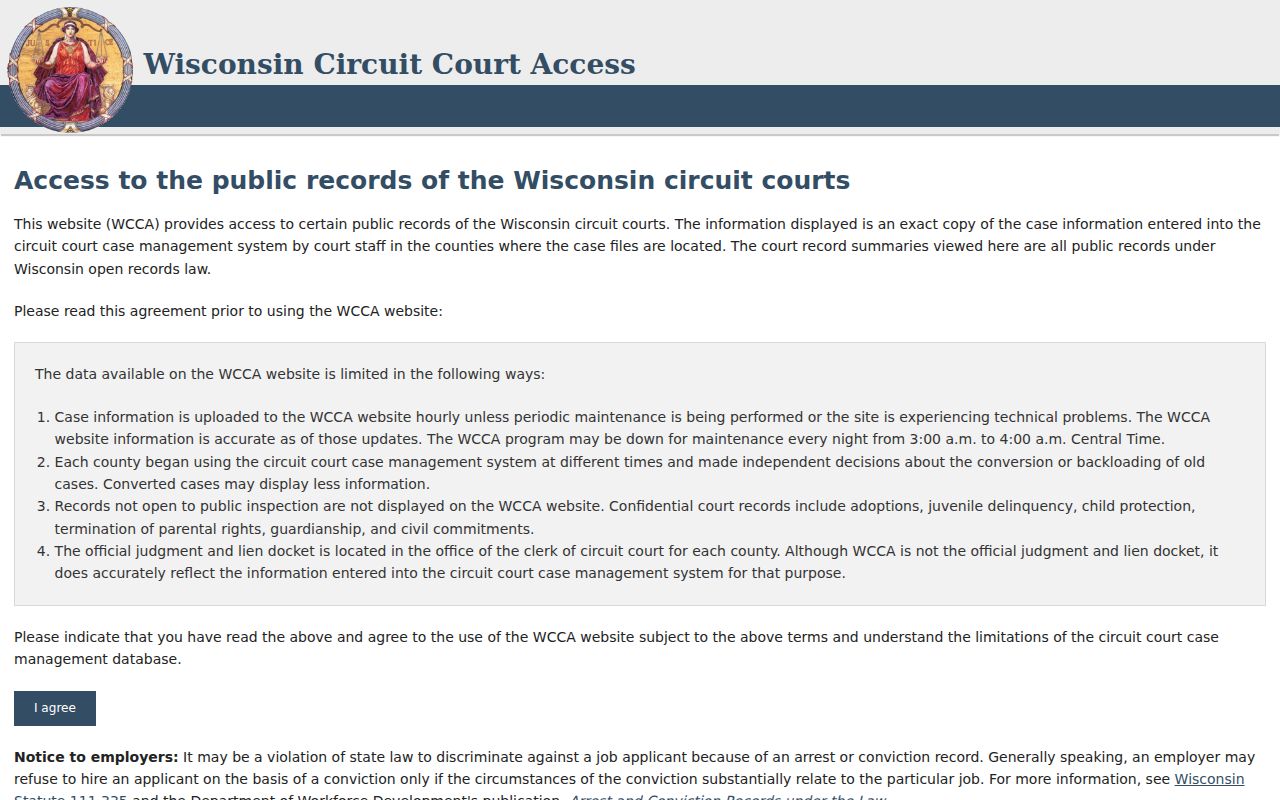
The gate creates no paid account. WCCA stays free for ordinary public case information. A desktop browser or courthouse terminal beats a phone, since case-history tables run wide and the interface leans on JavaScript.
No result does not settle the question. Check spelling, county, court level, case type, age, and access limits before calling the proper clerk.
Two Ways to Search: County and State
Chippewa County runs no separate public circuit docket database. The Clerk page links to the statewide WCCA service, while the local office handles in-person access, staff searches, and copies. That is a statewide online view alongside the county custodian, not two rival portals.
| Statewide WCCA | Chippewa County Clerk |
|---|---|
| Free public circuit case information | Official local case file custodian |
| Name, number, date, type, and citation filters | Counter, phone, mail, fax, and forms |
| Docket events and public metadata | Paper files, plain copies, certified copies |
| No public account needed | Fees apply to searches and copies |
| Does not index all municipal cases | Routes requests to the correct local custodian |
At the courthouse, ask Room 220 for the public WCCA terminal. For a city ordinance or municipal traffic case, call the issuing municipal clerk instead. WCCA is not the statewide municipal docket.
Older Chippewa County Docket Searches
Online depth and paper history are different things. WCCA began in 1999; Chippewa County's records go back much further. The county criminal search form shows the split in practice. Searches from 1990 forward are finished in ten days or less. Searches before 1990 may take thirty days. Older files can require clerk indexes or archived material.
Send the official Criminal Search Request. Include the full name, middle initials, the required birth date, and the years to search. For a noncriminal older file, call Room 220 first. The right form and custodian depend on the record type.
Note: the published general records form says the requested case must be available in CCAP. So confirm the route for older paper files.
Which Cases Stay Restricted
Most Chippewa County circuit cases show their event history in public. Juvenile, adoption, guardianship, and termination-of-parental-rights files do not. Some mental-commitment matters are confidential too. A sealed item may vanish from view or show only a short notice. Protected account, identification, and tax numbers stay out of public fields. Wisconsin Statute section 801.19 governs that protected information. Sections 801.20 and 801.21 handle confidential filings and motions to seal or redact. The judge rules on a sealing motion, not the clerk. WCCA also leaves out certain victim, witness, juror, and protected-address details under court policy.
When a Chippewa County docket search comes up empty, the case may be a municipal matter, an old record, or a wrongly set filter. A local diversion can also keep a charge from ever reaching WCCA. Ask the right office before assuming anything.
Chippewa County Appeals in WSCCA
Appeals live in a separate system. The Wisconsin Supreme Court and Court of Appeals Access service, known as WSCCA, covers them. Chippewa County sits in Court of Appeals District III. Accept the agreement first. Then search by appeal number, party or business name, county, filing date, status, or class code.
WSCCA returns summary data, related cases, parties, upcoming and past events, and document listings. A Chippewa County circuit case number helps tie the appeal back to its trial file. Searching the appeal does not pull the underlying circuit docket out of WCCA. Check both records while a case moves through review.