
Chippewa County Civil Docket Searches
Start with the free Wisconsin Circuit Court Access site. No public account is needed. Type a name, a business name, or a case number you already have, pick Chippewa County, and then apply a date range or case-type filter when the list runs long. Civil matters label the parties plaintiff and defendant, while petition cases may say petitioner and respondent instead. Match the caption, county, filing year, and branch before you trust the history as the right case.
The result is only a doorway. Some filed pages never appear online. Scan the newest history rows and the upcoming events, and go through the clerk when you need an order, complaint, judgment, or certified copy.
- Open WCCA and accept the public-access agreement.
- Search a party name, business name, or civil case number.
- Select Chippewa County and the likely case family.
- Compare captions, filing dates, branches, and status.
- Review case history, events, and disposition.
- Contact the clerk for a file copy or certification.
Chippewa Civil Docket Name Searches
Names trip up docket searches. A business may be indexed under its legal name. A person may appear under a current or former one. WCCA handles party and business lookups. Yet a stray hyphen or alternate spelling can shrink your results, so run the last name alone first and add fields only if the list is unmanageable. For a court name-change search, the county's Civil Search Request form has its own route. Download the current version from the clerk page. Check its instructions with Room 220 before mailing it.
If a known case does not appear: remove extra filters, try the business or prior name, confirm the county, and ask the proper clerk about older or restricted material.
Civil Dockets: What They Show
Open a Chippewa County civil court docket. You get a case summary on top with a dated history below. The header may list the case number. Filing date, case type, branch, judge, and current status also appear. Party fields name the plaintiffs, defendants, petitioners, respondents, and attorneys. Classification data separates a contract claim from property damage, foreclosure, an injunction, a family case, a small claim, or another civil category.
Each history row records one thing. It is a paper filed or an event held. Service, an answer, a motion, an order, a setting, judgment, satisfaction, or appeal can all show up this way. What the row rarely shows is the argument or the full terms. Those live in the filed document itself.
| Case identity | Case number, filing date, Chippewa County, branch, judge, type, and status. |
|---|---|
| Parties | Caption, party roles, business names, and attorney links where entered. |
| Filings | Complaint or petition, service, answer, motion, notice, and order descriptions. |
| Settings | Upcoming and past pretrial, status, mediation, hearing, or trial events. |
| Outcome | Judgment, dismissal, default, disposition date, satisfaction, and appeal data. |
Chippewa Civil Docket Case Families
A Wisconsin case number stacks three parts. There is a four-digit year, a two-letter case family, and a six-digit sequence. The official eFiling example is 2016CV000226. In Chippewa County you will most often see CV for civil, FA for family, SC for small claims, and PR for probate, and the county form also mentions PA records. Confirm the case type shown rather than guessing from a partial number.
| Case family | Typical route | Important limit |
|---|---|---|
| CV | WCCA, then Clerk of Circuit Court | The docket is not the full complaint or order. |
| FA | WCCA for public case data, then clerk | Financial and child-related material may be confidential. |
| SC | WCCA and the circuit clerk | Small claims is a circuit category in Chippewa County. |
| PR | WCCA when public, then Register in Probate | Guardianship and confidential probate access can differ. |
What Cases Fill the Civil Docket
Civil dockets in Chippewa County are not just big lawsuits. WCCA classifications span money judgments, contracts, property damage, foreclosure, injunctions, garnishment, personal injury, and municipal-court appeals. Family, paternity, small-claims, and probate families sit in the same circuit record system too, though access varies with the subject and the document.
The two-letter family and the classification do different jobs. A CV number sorts the file into the broad civil family, while a label like contracts, foreclosure, or municipal-court appeal describes the filing itself. Common groups include:
- Contract, debt, money-judgment, and garnishment matters
- Property damage, foreclosure, and real-estate disputes
- Personal injury, malpractice, and wrongful-death claims
- Injunction and restraining-order proceedings
- Family, paternity, and related public case shells
- Small-claims and eligible probate matters
Chippewa Civil Docket Filing Sequence
Every civil history begins the same way. A complaint or petition, a case number, and a classification come first. Summons, citation, service, or publication activity tends to come next. An answer, response, or counterclaim can pull in more parties and lawyers. Discovery mostly stays off the docket. Something must actually be filed with the court, such as a motion, notice, or signed order. That is why the record can look quiet. The case may be very much alive.
Further down you may find a status conference, pretrial, mediation, hearing, or trial. A judgment, default, agreed result, or dismissal closes the main dispute. Post-judgment entries then follow. They run from satisfaction and garnishment to writs, amended orders, and appeals. Note that a satisfaction is not the judgment itself. It is a later record showing the obligation was addressed.
Hearings on the Civil Docket
WCCA splits upcoming events from past ones. Each listing shows a date, time, branch, judge, and description. Civil labels you might see include status conference, pretrial, motion hearing, mediation, court trial, or jury trial. Always read the newest scheduling entry. An older notice can linger in the history after a continuance moves the hearing to a new date.
No single online calendar covers every circuit branch in Chippewa County. The county's public calendar tracks jury-trial status only. To confirm a current civil setting, check WCCA against the notice or scheduling order. Then call the Clerk of Circuit Court at 715-726-7758 or the assigned branch office. The Chippewa County court schedule page walks through the full date-checking chain.
Chippewa Civil Dockets and eFiling
WCCA and eFiling serve two different crowds on Chippewa County civil dockets. WCCA is the open side, giving anyone the public case information. eFiling runs on accounts. Registered parties and attorneys open My Cases there for matters linked to them. Their role may permit document viewing. A document name shown in black is restricted. That user cannot open it. A submitted filing can also sit waiting for court processing. The official Wisconsin circuit-court eFiling portal shows how the account-based filing route works.
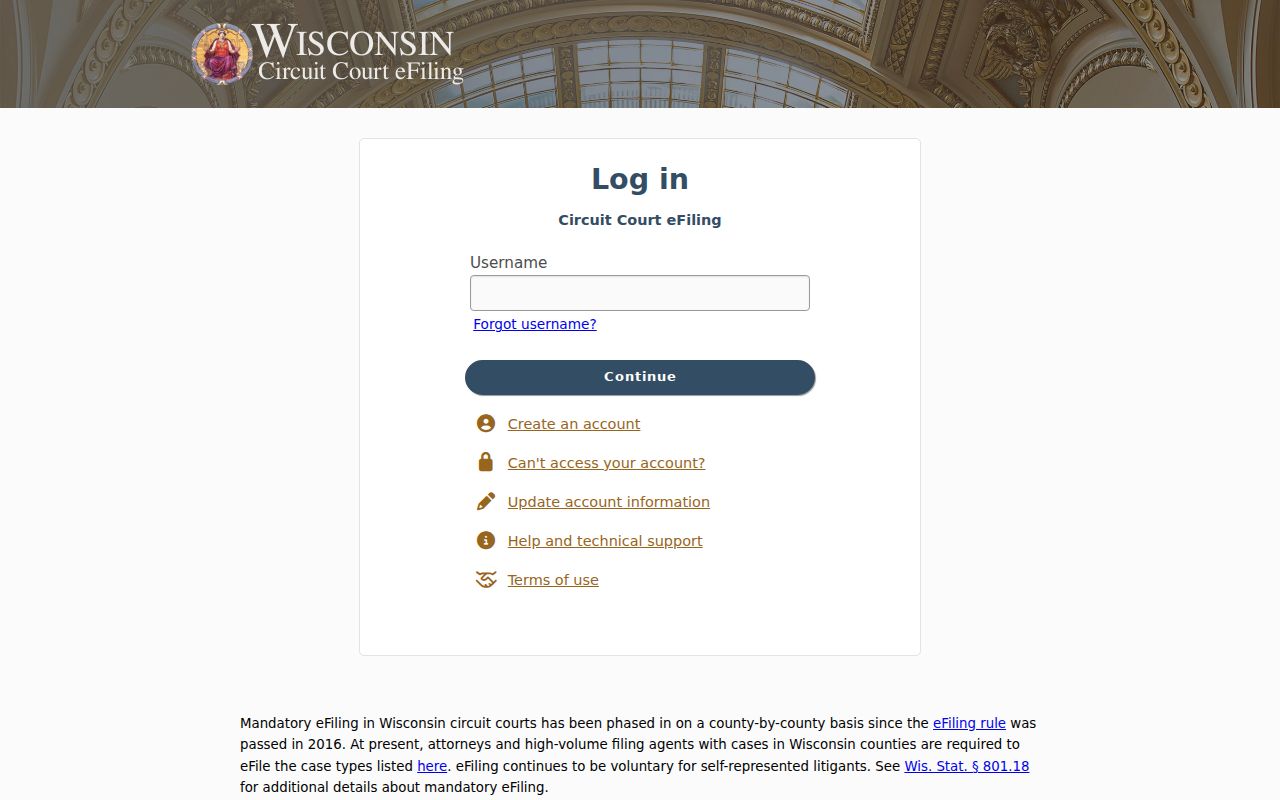
That portal screen draws a boundary. eFiling access for a party or lawyer is not the same as the open WCCA docket. The Chippewa County clerk takes no emailed filings.
Who Can See Civil Dockets
Most Chippewa County court records are public. A public case shell still does not make every document public, though. Family financial forms and protected identifiers can stay confidential even when the family case appears in WCCA. Statutory limits also cover juvenile, adoption, guardianship, termination-of-parental-rights, and other records. A sealed document stays hidden. WCCA then displays only a limited notice. Protection is not automatic, however. To seal a name, address, document, or a rare full case that is not already protected, a person must ask the court through a motion. The clerk cannot create a WCCA-only restriction. Once the court orders it, the sealing reaches paper, electronic, terminal, and public display forms alike.
Key rules:
Wis. Stat. § 19.35 provides inspection and copying rights subject to lawful limits.
Wis. Stat. § 801.20 identifies confidential filings and procedures.
Wis. Stat. § 801.21 governs motions to seal or redact circuit-court material.
Chippewa Civil Docket Copy Routes
Need the document behind a docket entry? Contact the Chippewa County Clerk of Circuit Court. The office sits in Room 220, 711 N Bridge Street, Chippewa Falls, WI 54729. Requests go in person, by mail, or by fax at 715-726-7786. The records form covers the return method. Choose pickup, email, fax, or mail. List the case number plus the exact document title and date when you know them. A clerk calls with the total. Prepayment is normally required.
On the current form, plain copies run $1.25 per page, certification adds $5 per certified copy, and faxing costs $2 for the first page and $1 for each added page. Cash, check, money order, or the listed GovPay credit or debit route all work for payment. To confirm a request or ask about a file that is unclear online, call 715-726-7758. Probate and guardianship questions may belong with the Register in Probate instead, in Room 203 at 715-726-7737.